

Core Concepts
This page explains the fundamental building blocks of Contentrain Studio and how they fit together.
Workspace Hierarchy
User
 └── Workspace (billing & team boundary)
      └── Project (connected GitHub repo)
           ├── Models (content schemas)
           ├── Content (entries, locales)
           ├── Branches (review workflow)
           ├── Media (asset library)
           ├── Forms (submissions)
           └── Webhooks (event notifications)
Users
Every user has their own identity, linked to an OAuth provider (GitHub or Google) or a magic link email. Users can belong to multiple workspaces with different roles.
Workspaces
A workspace is the top-level organizational unit. It represents a team, company, or individual context. Workspaces own:
- Projects — connected repositories
- Members — team with assigned roles
- Billing — subscription plan and limits
- GitHub Installation — the GitHub App connection
- Connected apps — AI apps signed in over OAuth (remote MCP)
Each member can also add their own optional BYOA (Bring Your Own API Key) for AI models, in Workspace Settings → AI.
Every user gets a personal workspace automatically on signup. Team workspaces can be created for collaboration.
Projects
A project connects a GitHub repository to Studio. Each project has:
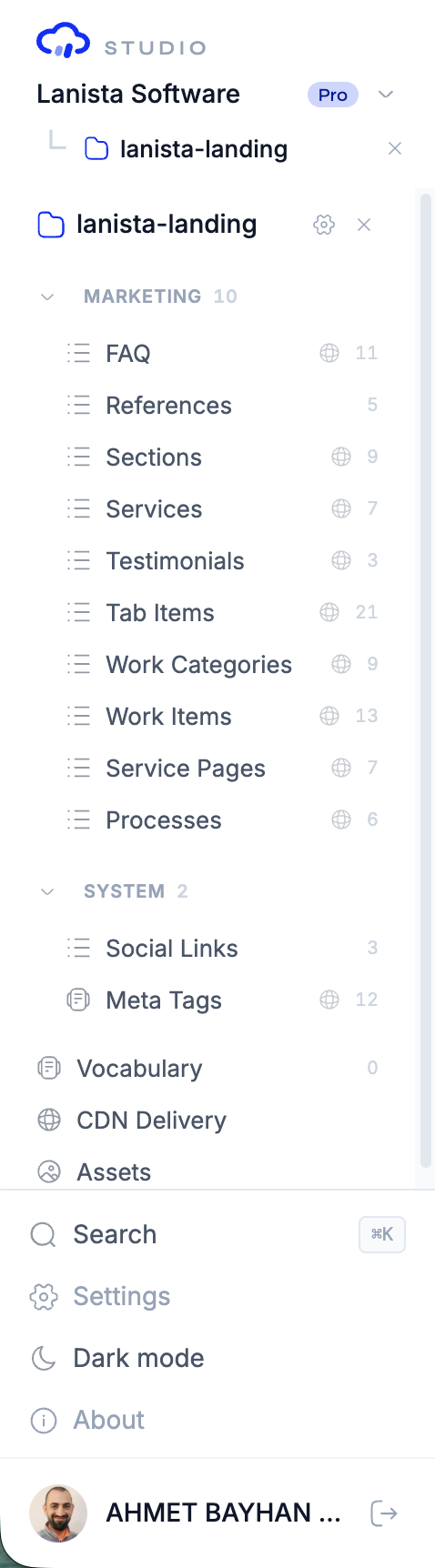
- A three-panel workspace (sidebar, chat, content)
- Its own content models and entries
- An independent branch workflow
- Project-specific members and roles
- Optional media library, forms, CDN, and webhooks
Content Model System
Four Model Kinds
Studio supports four distinct content model types, each optimized for a different data pattern:
Collection
A collection holds multiple entries sharing the same schema. Each entry has a unique ID and can be queried, filtered, and sorted.
Use for: Blog posts, team members, products, FAQs, events.
{
  "id": "blog-posts",
  "kind": "collection",
  "fields": {
    "title": { "type": "string", "required": true },
    "slug": { "type": "slug", "required": true, "unique": true },
    "body": { "type": "markdown" },
    "author": { "type": "relation", "model": "authors" },
    "published_at": { "type": "date" }
  }
}
Singleton
A singleton holds exactly one entry per locale. There is no list view — just a single document to edit.
Use for: Site settings, homepage hero, footer configuration, SEO defaults.
{
  "id": "site-settings",
  "kind": "singleton",
  "fields": {
    "site_name": { "type": "string", "required": true },
    "logo": { "type": "image" },
    "tagline": { "type": "text" }
  }
}
Document
A document stores Markdown content with typed frontmatter. The body is Markdown, and the fields define the frontmatter schema.
Use for: Documentation pages, blog articles, long-form content, knowledge base entries.
Dictionary
A dictionary stores flat key-value pairs. No field definitions — just string keys mapped to string values.
Use for: UI translations, configuration maps, feature flags, i18n strings.
// Content: { "nav.home": "Home", "nav.about": "About Us" }Field Types
Studio supports 27 field types covering every common content pattern:
| Category | Types |
|---|---|
| Text | string, text, email, url, slug, color, phone, code, icon |
| Rich | markdown, richtext |
| Number | number, integer, decimal, percent, rating |
| Boolean | boolean |
| Date | date, datetime |
| Media | image, video, file |
| Relational | relation, relations |
| Structural | select, array, object |
See Field Types Reference for detailed documentation on each type.
Domains
Models are organized into domains — logical groups like marketing, blog, system, or docs. Domains are purely organizational and have no functional impact.
Locales
Content can be managed in multiple languages. Each model can opt into i18n support, which creates separate content files per locale. A default locale is always required.
AI Agent
The AI agent is a Claude-powered assistant integrated into every project workspace. It operates within a bounded task executor — a controlled environment where every action:
- Is scoped to the current project
- Creates a real Git commit on a review branch
- Is auditable through the branch diff
- Respects the user's role and permissions
What the Agent Can Do
- Create, modify, and delete content models
- Add, update, and remove content entries
- Manage locales and vocabulary terms
- Scan and import existing repository structures
- Explain content schemas and relationships
What the Agent Cannot Do
- Access repositories outside the current project
- Bypass role-based permissions
- Push directly to the main branch (always creates a review branch)
- Access external services or the internet
Context System
You can pin context items (models, entries, fields) from the content panel to the chat. These context chips give the agent focused awareness of what you're working on, improving response quality.
Branch Workflow
Every content mutation in Studio follows a Git-native review workflow:
User/Agent Action
     ↓
Create cr/* feature branch
     ↓
Commit changes to branch
     ↓
Auto-merge to contentrain branch (SSOT)
     ↓
Review diff in Studio UI
     ↓
Merge to main  ──or──  Reject (delete branch)
Key Concepts
contentrainbranch — the single source of truth (SSOT) for all Contentrain-managed contentcr/*branches — short-lived feature branches for individual operations- Two-step merge — changes go
cr/* → contentrain → main - Visual diff — see exactly what files and content entries changed
- No direct writes — the main branch is never modified directly by Studio
Roles & Permissions
Studio uses a two-tier role system:
Workspace Roles
| Role | Capabilities |
|---|---|
| Owner | Full control, billing, transfer ownership |
| Admin | Manage members, settings, all projects |
| Member | Access assigned projects only |
Project Roles
| Role | Capabilities |
|---|---|
| Editor | Create and edit content, use AI chat |
| Reviewer | Review branches, merge/reject (Starter+) |
| Viewer | Read-only access to content (Starter+) |
Workspace Owners and Admins have implicit access to all projects. Members need explicit project-level assignments.
Next Steps
- Authentication — Sign-in methods and security
- Workspaces — Creating and managing workspaces
- Content Models — Deep dive into the model system