
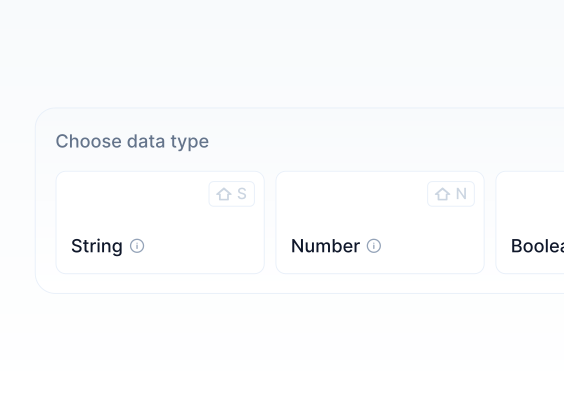
Field types can be configured according to the specific needs of each project. By adjusting the Content Schema configuration, you can select appropriate field types that suit your content and use them to create it.
When creating Content Schemas, you can customize the names of the fields within Content Models to meet your needs using the Content Schema Toolbox.
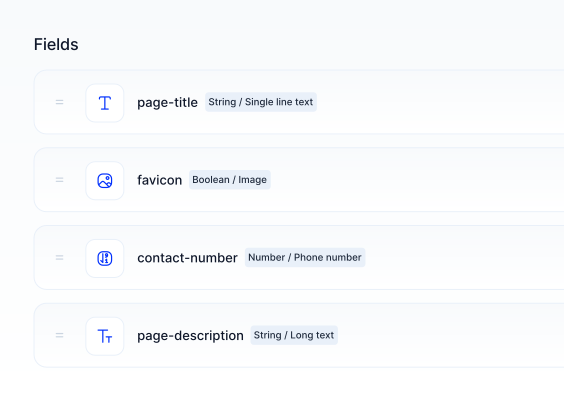
Single Line Text
Single Line Text field is typically used for page elements such as titles in projects. You can create the content by entering it into the corresponding input field.
Multi Line Text
Multi Line Text field is generally used for page elements like descriptions in projects. You can create the content by entering it into the corresponding input field.
Email
Email field type is used for email inputs. You can create the content by entering it into the corresponding input field. Only email addresses can be entered into this field.
URL
URL field types is used for URL(Uniform Resource Locator) inputs. You can create the content by entering it into the corresponding input field. The input must start with "https://".
Slug
The Slug field type allows you to define how the content will appear in the URL. You can enter the content into the input field, separating words with hyphens ("-").
Color
The Color field type is used to manage the colors within your project. When you select this field, you can choose the color using the Color Picker.
You can also manually enter the color using "HEX" or "RGB" codes.
JSON
The JSON(Javascript Object Notation) field type is used for content that needs to be in JSON format. You can create your content by entering it into the input field using JSON syntax.
Markdown
Markdown is a widely used markup language that adds formatting elements to text. This field type is used for creating content in markdown format.
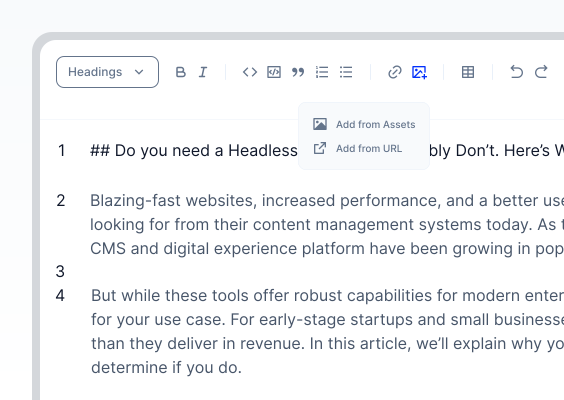
For more detailed information, please proceed to the Markdown Editor section of the documentation.
Richtext
The Richtext field type is used by Content Creators to create and edit flexible content as needed by the project.
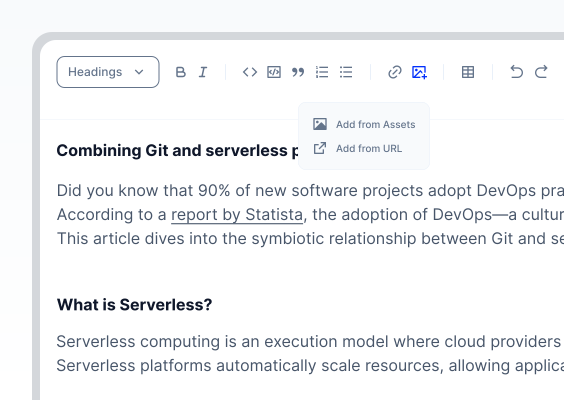
For more detailed information, please proceed to the Richtext Editor section of the documentation.
Integer
The Integer field type is used for inputting whole numbers. This field ensures that only integer values can be entered.
Decimal
The Decimal field type is used for inputting floating-point numbers. This field allows for the precise entry of decimal values.
Rating
The Rating field type is used in web projects to create voting or rating elements.
When creating this field, you can select the number of stars (between 1 and 10).
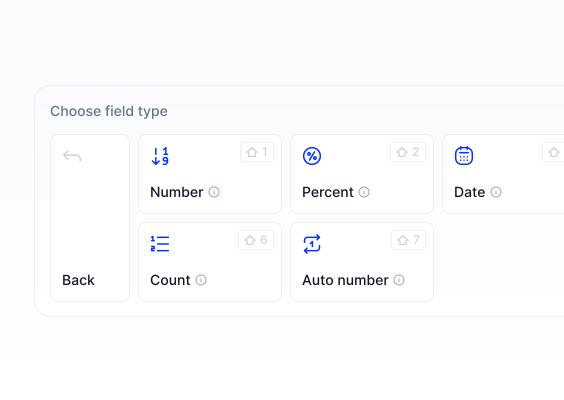
Percent
The Percent field type is similar to Integer and Decimal fields but specifically formatted to display percentages. A percentage label is automatically added to the value.
Phone Number
The Phone Number field type is used for phone numbers displayed on your web project's interface. Only numeric input is allowed in this field.
Date
The Date field type is used to select and create dates for your content. You can select the date using the date picker.
Date & Time
The Date & Time field type is used to select and create date and time for your content. You can select the date and time using the date picker.
Media
The Media field type is used to manage Media Assets for your web projects from the assets manager.
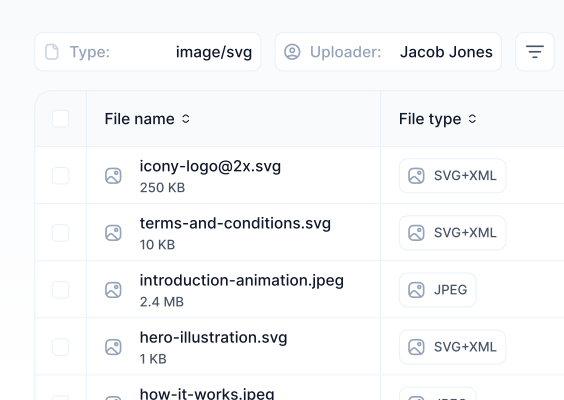
You can select and use any media asset previously added to the Assets Manager.
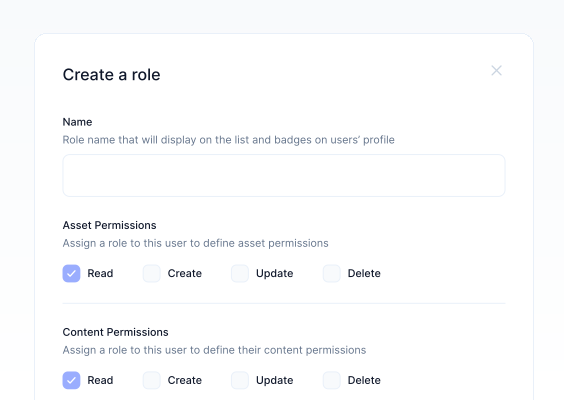
For more detailed information, please proceed to the Assets Manager section of the documentation.
One to One Reference
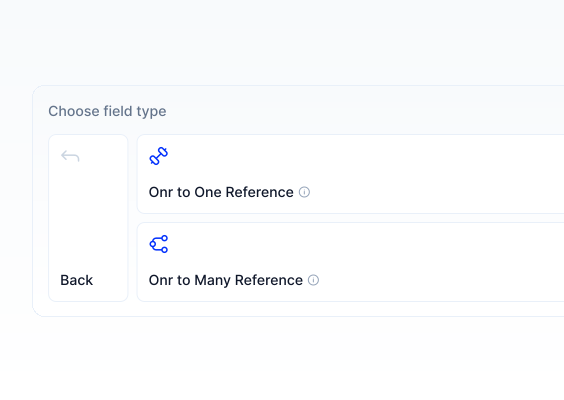
The One to One reference field type is used to create relationships between different content models in the project.
For example, content creators can select an author from a Authors content model for blog posts using the one-to-one reference.
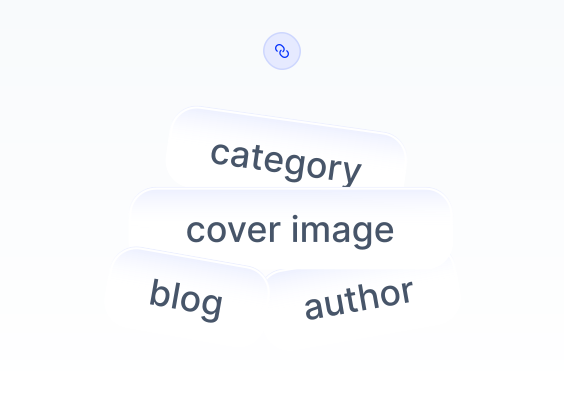
You can select a previously created content from this list and create a relation.
One to Many Reference
The One to Many Reference field type is used to create relationships between one field with multiple fields within different content models.
This allows for complex content structures and relationships to be easily managed.
You can select a previously created content from this list and create a relation.