
Managing Content Relations
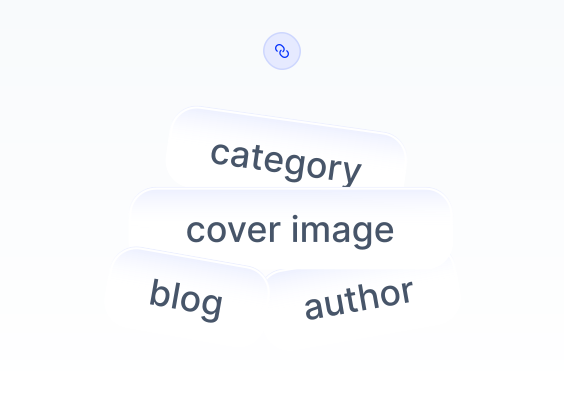
Configuring relationships between Content Models is an effective way to manage content flows. Contentrain allows content creators to easily configure relationships between Content Schemas using the Content Relations feature.
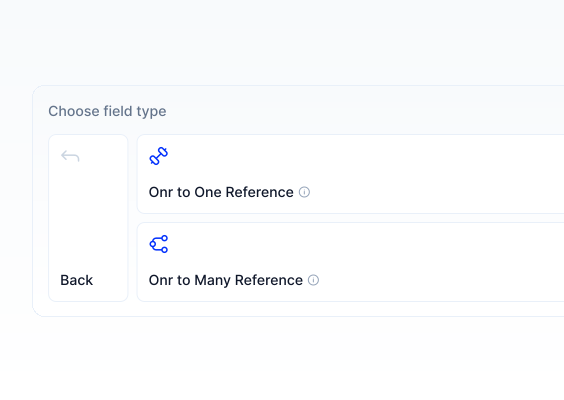
By implementing one-to-one and one-to-many relationship structures between Content Models created at the beginning of the project, content creators can simplify their workflows by connecting parameters with specific fields instead of entering them repeatedly.
Creating Content Relations
You can link two pieces of content using Content Relations.
1- Select the content model you want to manage from the panel on the left.
2- In the Content Editing screen, navigate to the Relation field and click the ”Click here” button under the relevant field.
3- Click the folder icon on the far left to select the data you want to link to your content.
4- The added data will appear in the relational field with a reference number. If you need to delete it, click the "Delete" button.
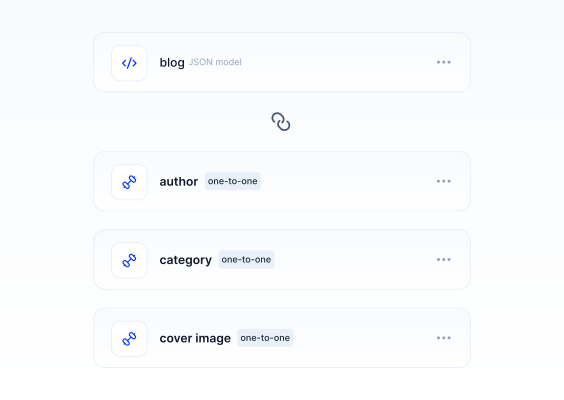
Multiple Relation Fields
You can add multiple relational data to content, but the Content Model must be structured to allow this.