Introduction
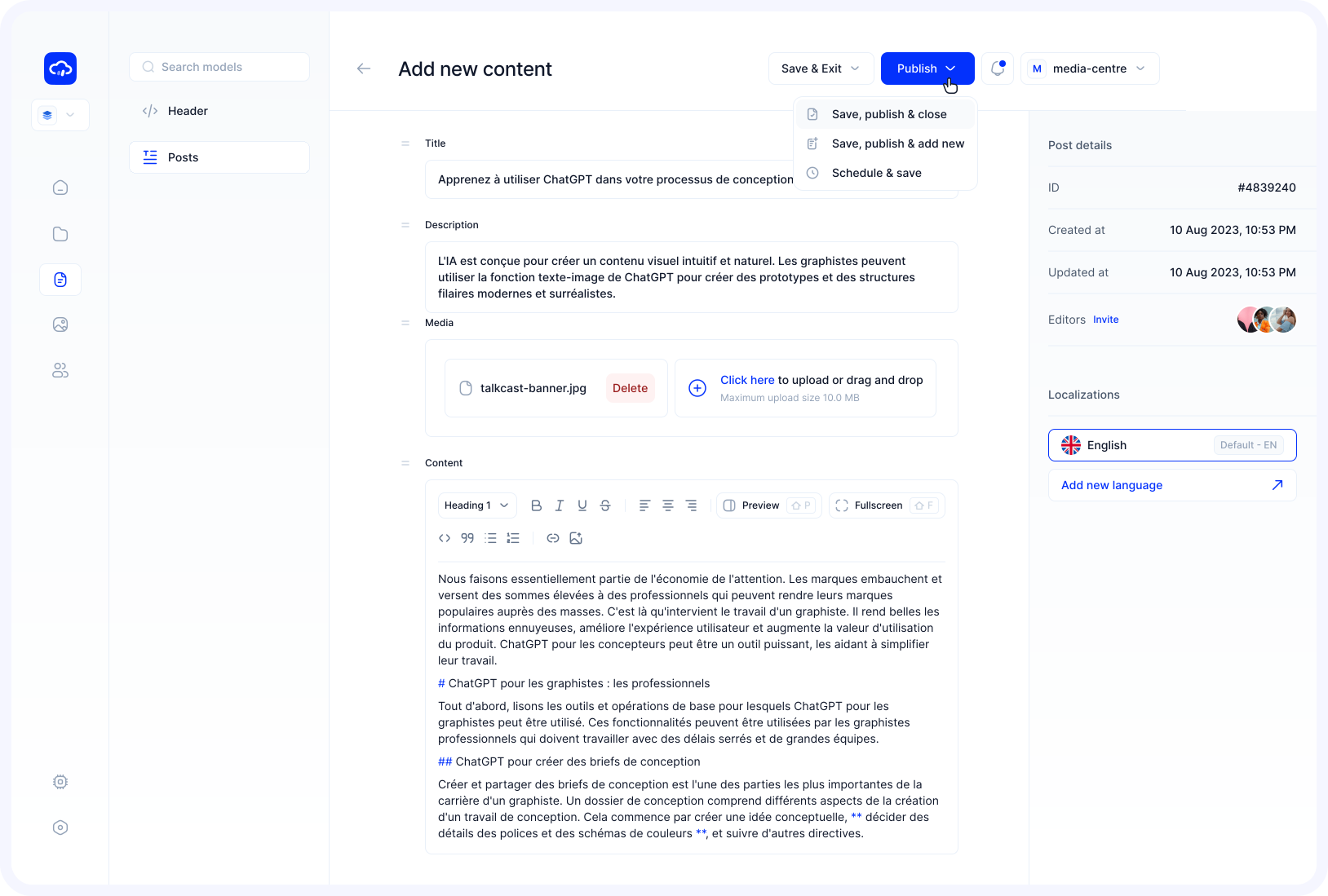
The content screens in Contentrain are specially designed for content creators, featuring a minimalist design that allows users to focus solely on content creation.
When users are invited to work on content within a project, they're presented with a screen that excludes all the unnecessary details. This ensures that content creators can concentrate on creating content in an efficient workspace.
If you are invited to a project where content models have been created but no content entered, you will see a screen similar to the one below. To start creating content, select a model from the menu on the left and click the "Add first content" button.
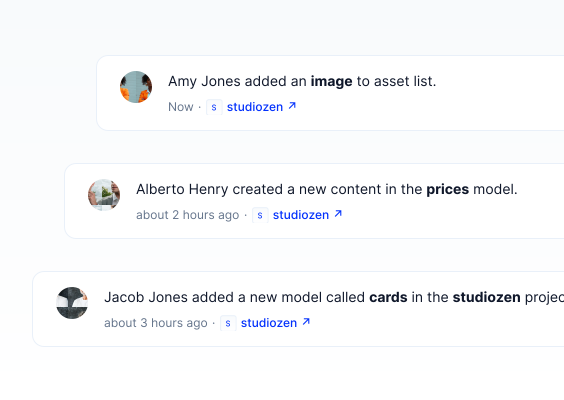
The content you create is listed in the Content Table, where you can perform actions such as sorting, deleting, publishing, and unpublishing content.
For detailed information about the Content Table, click here.
Contentrain offers few types of content editors(Richtext, Markdown Editor) for your project's needs. The content fields change based on the field type selected during the content models configuration. You can choose those fields according to your preferences and create content in your desired format.
Markdown Editor
Contentrain provides a native markdown support, making it easy for content creators to create markdown-based content using the Markdown Editor.
For more information on how to use the Markdown Editor, click here.
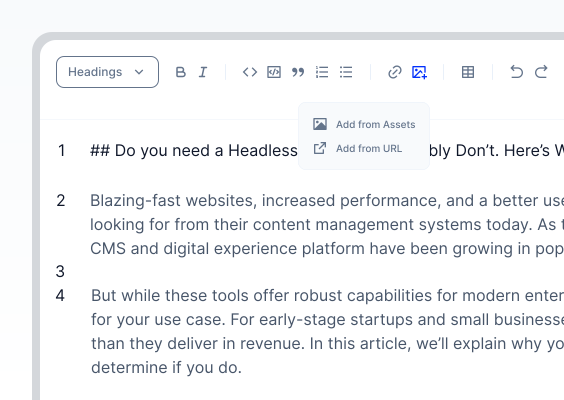
Richtext Editor
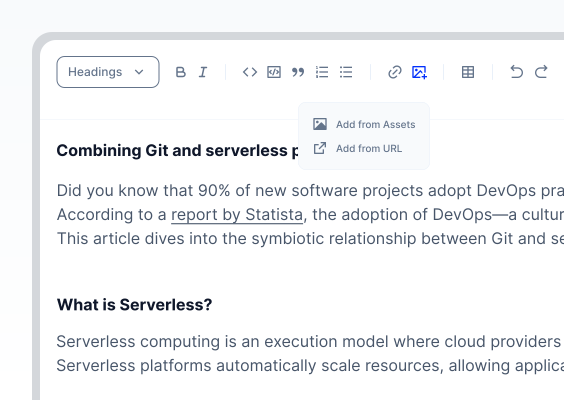
Contentrain offers a smooth Richtext Editor, giving the content creators unlimited control over their content creation process.
For more details, see the Richtext Editor section.
Content Fields
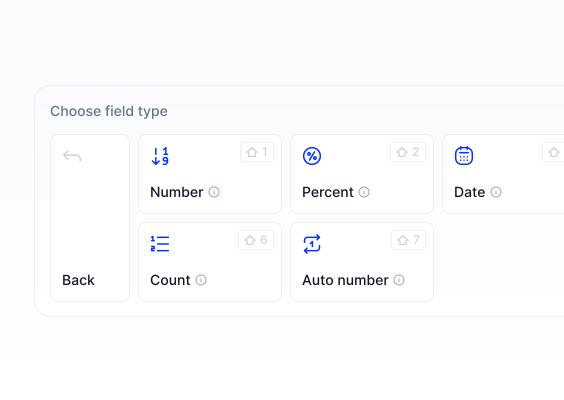
Contentrain provides all necessary field types for creating content such as headlines, descriptions, and button texts. You can select any field type required by your project structure to produce your content.
For more information on field types, click here.