
Welcome to Contentrain Support
At Contentrain, we're here to provide you with support as you navigate our platform. Whether you're starting fresh or looking to fine-tune your projects, our comprehensive support options are designed to assist you at every step.
Discord Support
Visit Discord and join the Contentrain server.
Navigate to the 'Help Zone'.
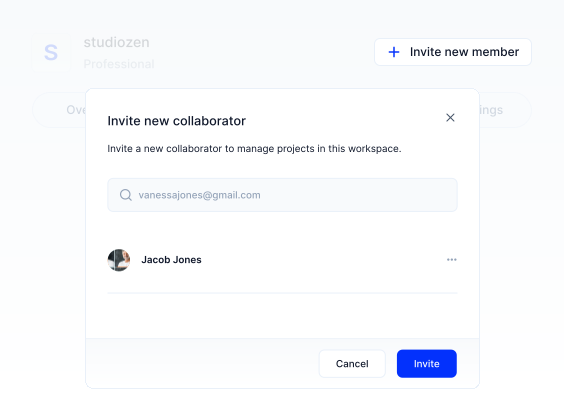
- Create a new thread and label it appropriately:
Here are the tags for the forum to help categorize and streamline the discussions:
Bug-report: Use this tag when you encounter bugs or glitches in the system to help the development team quickly identify and address them.
Integration-help: If you're facing difficulties or have questions about integrating Contentrain with other services or platforms, use this tag.
Data-fetching: This tag is for queries and discussions related to fetching data from Contentrain or pushing data into it.
Deployment: For questions or issues regarding the deployment of projects using Contentrain.
Question: General queries about Contentrain, its features, and how to use it effectively.
Content-modeling: Discuss how to best structure your content models within Contentrain here.
Content: Queries related to creating, managing, and publishing content in Contentrain.
Next.js, Nuxt.js, Gatsby, Astro, Swelte, 11ty, Hugo, Jekyll, React, Vue, Angular, Gridsome: Use these tags when your query is specific to integrating Contentrain with these respective technologies.
Ticket Support
If you have a Paid Plan Membership you can open a support ticket directly within Contentrain:
- Enter your Contentrain workspace.
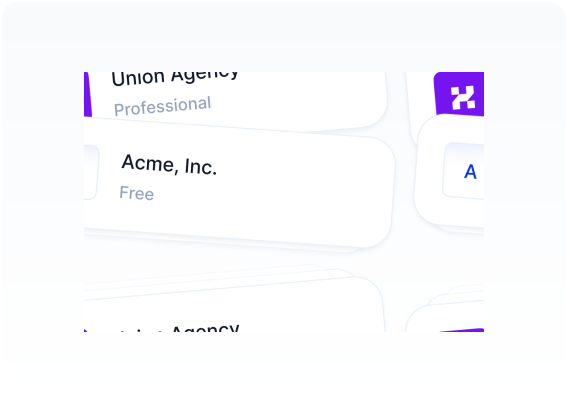
Click on the dropdown menu in the top right corner and select 'Support'.
Click “Create a new ticket” or “Create your first ticket” on the bottom and fill out the form.
After creating a ticket, you can follow up on responses there.
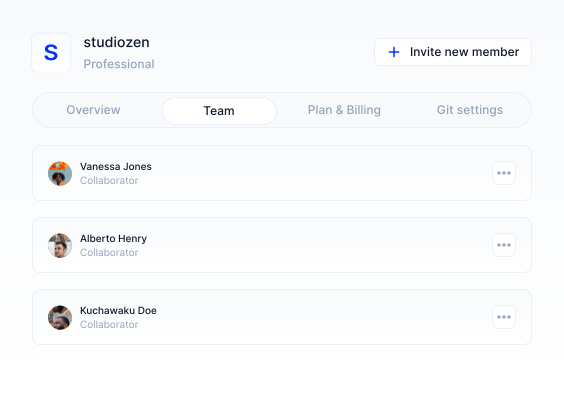
Support Form
If you prefer to communicate via email, contact us at [email protected] or visit the support page on our landing page and fill out the contact form to reach us.
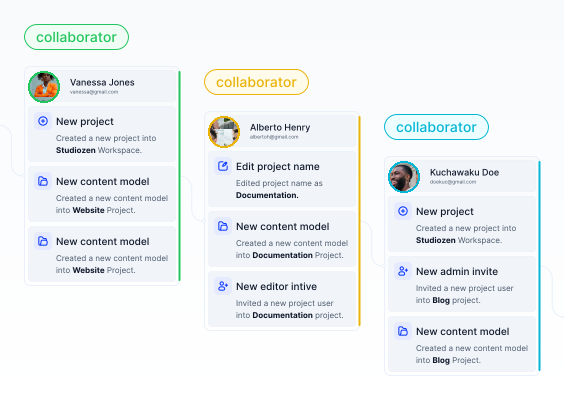
Troubleshooting
If you are unable to complete these steps, here's our walkthrough video for guidance.