
Multi-language Support in Contentrain
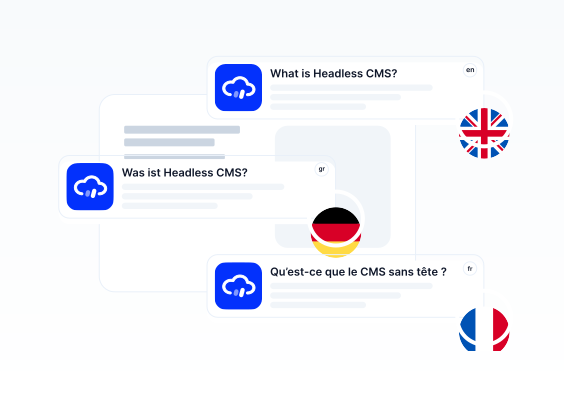
To distribute your content globally in different languages, your CMS must support multi-language functionality. Contentrain offers easy integration for localization needs, allowing content creators to create content in multiple languages using the Contentrain's interface.
To add multiple languages to your content, you must enable Localization feature at the project setup stage.
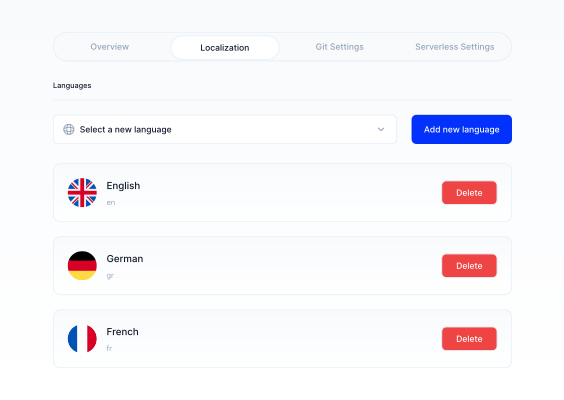
The languages to be added or removed from projects are managed from the Project Settings screen. For detailed instructions on setting up localization in Project Settings, see Working with Projects, Localization.
Adding a new language
If your project's languages was determined in the project setup process, you can add those languages from the Content Editing screen.
1- Click on the Content Model that you need to add content.
2- In the Content Editing screen, click the ”Add a new language” button on the far right.
3- Select the language from the dropdown menu that shows the determined languages in the project.
WARNING
You can include as many languages as you want in your projects, but these languages must be added through the project settings. The number of languages that can be included in projects is limited by pricing plans.
4- After selecting the language you need to add, they will be listed under the Localization tab on the far right. You can navigate between them by clicking on it.
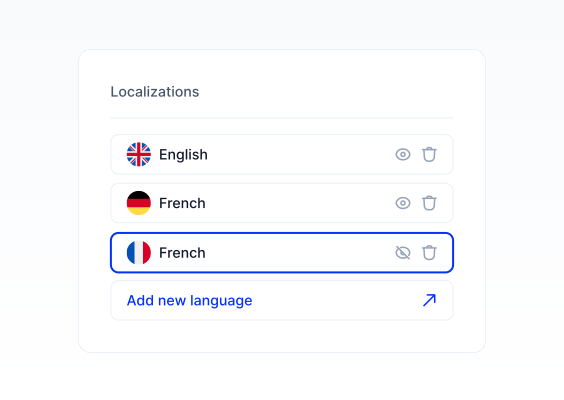
5- If you need to remove any of the added languages, click the trash icon next to the language under the Localization tab.