
Introduction.
Creating content for projects, whether working with large or small marketing teams, is a crucial operation. Simplifying these operations allows to create value in terms of efficiency. Contentrain, with its smooth content creation interfaces, enables content creators to easily create and edit the content they need.
Add first content
To create a new content, select the content model from the models tab. If you are entering content for this model for the first time, you will reach out to the content editing interface by clicking the "Add first content" button.
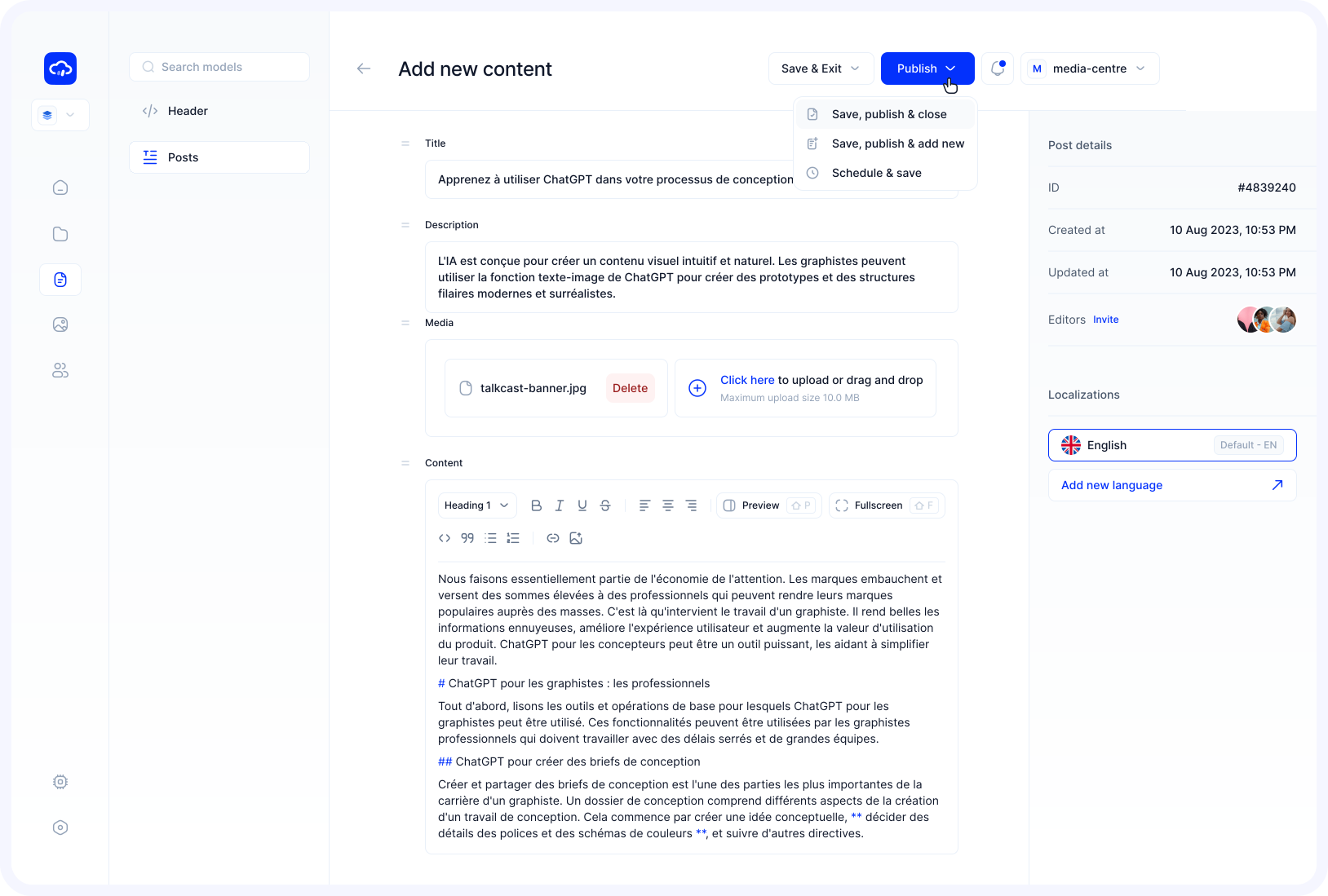
After clicking, you will see a Content Editing screen for your content model.
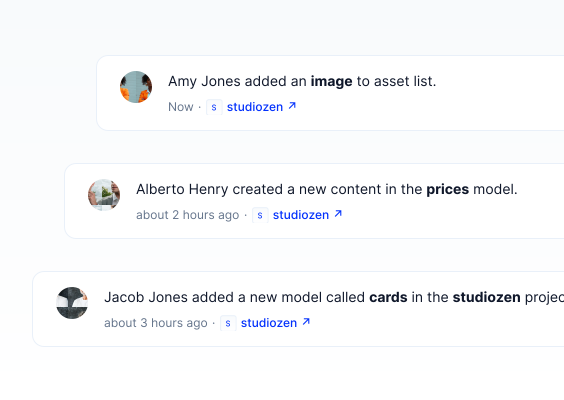
You can enter your content into these fields and other details needed for your project to go live.
Save Options
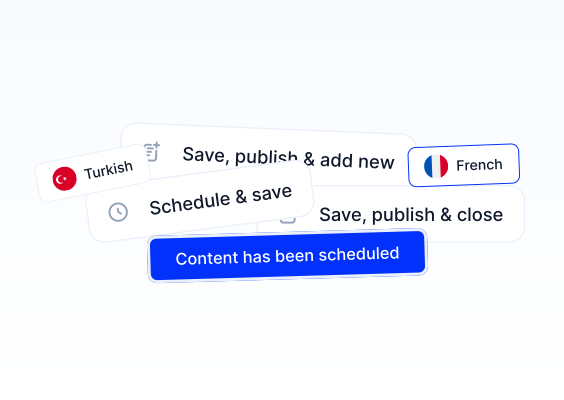
After filling in the fields, you have several options to save your content:
| Option | Description |
|---|---|
| Save, publish & close | Publishes the content immediately and returns to the Content Table. |
| Save & schedule | Opens a scheduling modal where you can set a future date, time, and timezone for automatic publishing. |
| Save & close | Saves the content as a draft and returns to the Content Table. You can publish it later. |
| Save & add another | Saves the current content as a draft and opens a blank form to create the next entry. |
TIP
When creating content, three system fields are automatically managed: ID (unique identifier), createdAt (creation timestamp), and status (defaults to draft). You do not need to fill these in manually.
Content Statuses
Every content item has a status that determines its visibility. When content is first created, it starts as a Draft unless you choose to publish immediately.
| Status | Description |
|---|---|
| Draft | Content saved for further editing, not yet published. |
| Published | Content that is live and accessible. |
| Changed | Previously published content that has been edited but not yet republished. |
| Scheduled | Content set to be automatically published at a future date and time. |
For detailed information on managing content statuses, see Publishing Content.
For more detailed information on creating your first content, watch this video tutorial.